The Ryzen 7 9800X3D Takes Center Stage
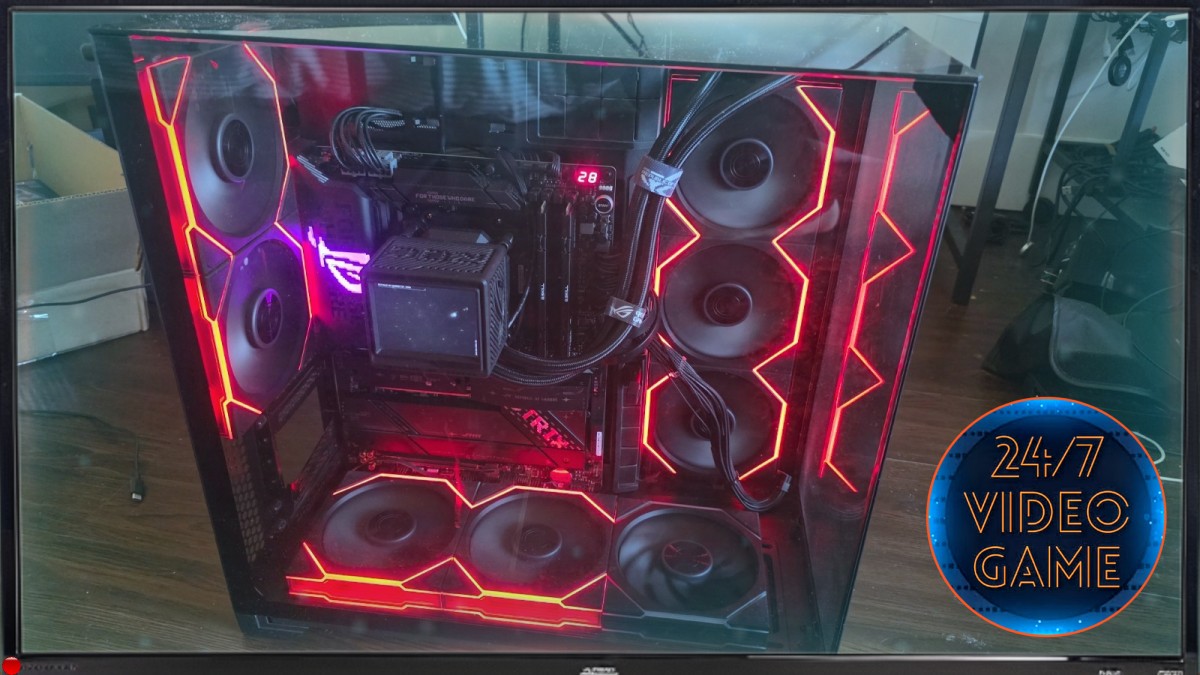
At the heart of this gaming PC is the AMD Ryzen 7 9800X3D, a processor designed to make a powerful case for the CPU-first approach to gaming. Paired with an ROG X870E-E motherboard, it gives the build a high-end foundation, while the platform’s appeal depends on the games, graphics card, and settings a buyer plans to use. AMD’s Ryzen 7 9800X3D product page outlines the chip’s specifications, and ASUS provides details about the ROG Crosshair X870E-E and its feature set.
A Premium Platform With Room to Grow
The supporting parts suggest a machine designed for more than a quick trip into a game launcher. 32GB of DDR5 memory offers a generous starting point for modern games and everyday multitasking, while the 2TB Samsung 990 PRO SSD promises substantial fast-storage capacity for a growing library. Samsung’s 990 PRO overview provides the drive’s technical details; for a broader look at what makes current PC memory tick, Kingston’s DDR5 guide offers useful background.
The Missing GPU Changes the Story
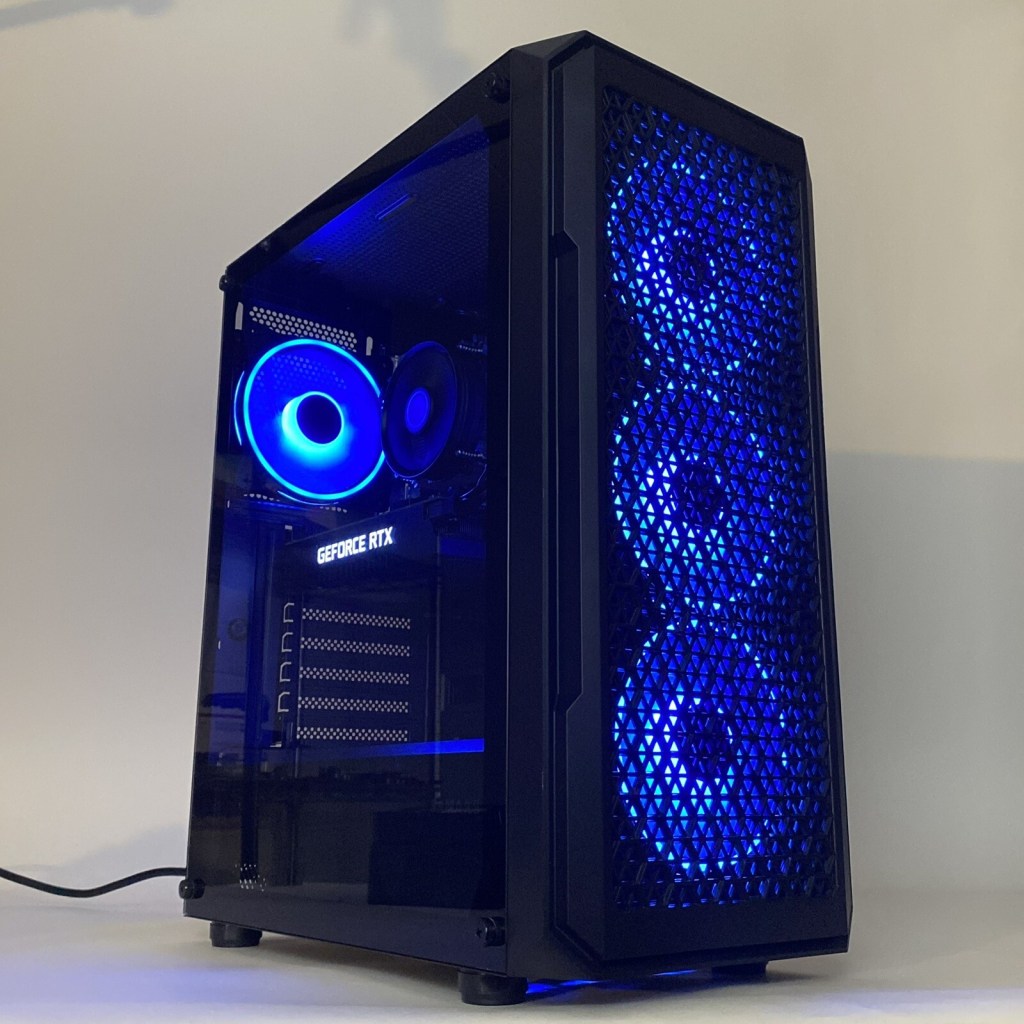
The defining caveat is right there in the listing title: no GPU. That makes this less a ready-to-play gaming rig than a substantial foundation awaiting a graphics card. The choice matters because a GPU will shape performance, resolution, and visual settings more directly than any other addition to this build. NVIDIA’s GeForce graphics-card lineup and AMD’s Radeon desktop graphics range are natural starting points for researching a match, but buyers should also verify the power connector requirements and physical dimensions of any card they consider.
Power for Ambition, With Practical Questions to Ask
A 1200W power supply gives the system considerable headroom on paper, but a high wattage alone does not confirm the unit’s model, efficiency certification, age, or condition. Those details matter when a used PC is being considered, especially one whose graphics card has yet to be selected. The 9800X3D and X870E-E platform make this an intriguing base for a high-performance build, but the full cost includes the GPU and any other parts not specified in the title. Before committing, consult the AMD Ryzen support resources and ASUS’s support and documentation pages to check compatibility and get a clearer picture of the platform’s requirements.