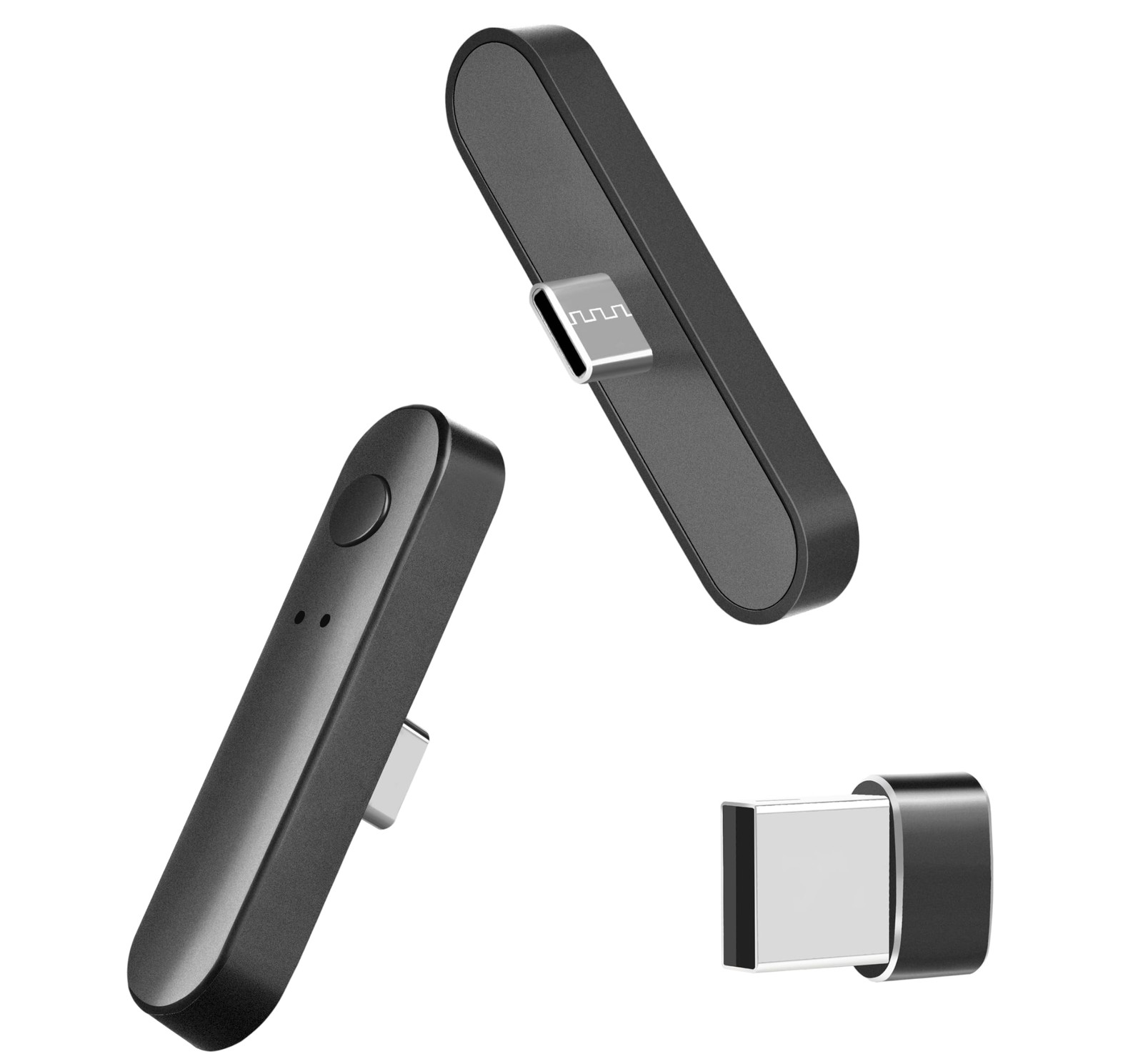
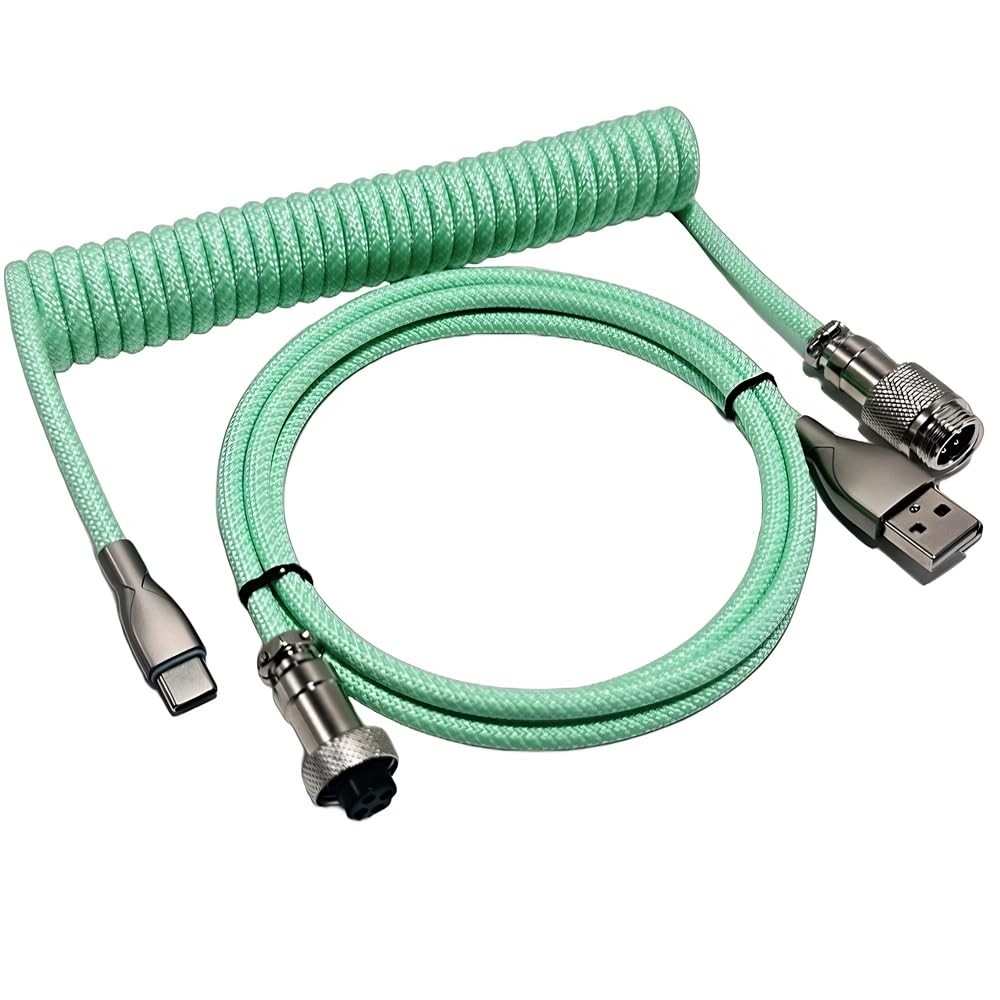
PWM & 5V Addressable ARGB Magnetic Fan Hub 1 to 9-Port PC Case Splitter Black
 247videogame
Seller: omriav_12 (100.0% positive feedback)
Location: US
Condition: New
Price: 19.75 USD
Shipping cost: Free
Buy It Now
#Sponsored
In the world of PC builds, aesthetics and performance must coexist without compromise. The PWM & 5V Addressable ARGB Magnetic Fan Hub offers a streamlined solution for managing cooling fans and lighting across your rig, while preserving clean cable management and reliable power delivery. This guide outlines what a 1-to-9 port hub brings to your build, how it integrates with PWM control and addressable ARGB lighting, and practical considerations for installation, operation, and troubleshooting.
What it is and why it matters – A centralized hub designed to fan-out a single PWM signal and a 5V addressable RGB (ARGB) control line to multiple fan channels. In practical terms, it lets you synchronize fan speeds and lighting effects across up to nine fans from a single controller or motherboard header. – The magnetic mounting feature simplifies placement inside the chassis. Rather than rigidly docking alongside the motherboard tray, the hub can be positioned for optimal cable routing and accessibility, reducing clutter and improving airflow around the components. – The black finish and compact footprint are designed to blend with most PC builds, from minimalist to RGB-centric themes, while providing robust electrical performance.
Key features and benefits – PWM speed control: By sharing a PWM (Pulse Width Modulation) signal, the hub ensures that all connected fans respond uniformly to temperature changes or fan curve adjustments from the motherboard or a dedicated controller. This yields more consistent cooling and quieter operation during low-load scenarios. – Addressable ARGB support: The hub distributes a common 5V ARGB data line to each connected fan, enabling synchronized lighting effects across the entire group. This is ideal for builds where color cohesion or coordinated lighting patterns are desired. – 1-to-9 distribution: Accommodates up to nine fans, which is particularly valuable for mid- to high-performance builds with multiple radiator fans, chassis fans, or a combination of both. It reduces the need for multiple headers and simplifies cable management. – Magnetic mounting: The magnetic design allows flexible placement, aiding in neat cable routing and accessibility for cable replacements or future upgrades. – Black aesthetic: Complements most themes, whether you prefer a stealthy, subdued look or a high-contrast, RGB-forward presentation.
Practical considerations for installation – Power and grounding: Ensure the hub’s power input is compatible with your system’s power solution. Some models obtain power from a SATA or power cable, while others draw it from the motherboard via a dedicated header. Verify amperage and voltage specs to avoid overloading the hub or fans. – PWM compatibility: Confirm that the motherboard or controller you plan to use provides a standard PWM signal and that the hub’s PWM input is compatible with that signal. Some hubs support only 25 kHz PWM, while others are adaptable to a range of frequencies. – ARGB compatibility: Check that your fans use 5V ARGB (addressable RGB) compatibility and that the hub’s ARGB data line wiring aligns with your fans’ connectors. Misalignment can prevent lighting from activating or cause color mismatches. – Cable management: With nine fans, even a compact hub can generate cable clutter. Plan paths for fan cables, ARGB data lines, and any power connections. Utilize cable ties, magnetic mounts, and routed channels to keep airflow unobstructed. – Safety margins: Respect the total current draw of all connected fans. Exceeding the hub’s rated current can lead to overheating or failure. If you plan a dense fan setup, consider distributing loads or using an external controller for high-demand configurations.
Usage scenarios and best practices – Balanced cooling with unified lighting: For builds where a cohesive look and predictable acoustics are essential, a 1-to-9 hub helps maintain consistent fan speeds while delivering synchronized ARGB effects. – Radiator-focused setups: If you have multiple radiators, a hub can streamline fan control across all fans on the radices, ensuring uniform thermal response without juggling multiple headers. – Case with extensive cooling: Large cases or enthusiast builds that feature numerous intake and exhaust fans benefit from centralized control and cleaner cabling, which can improve both airflow and maintenance accessibility.
Troubleshooting quick tips – No power or fans not spinning: Double-check that the hub is properly connected to power and that the motherboard/controller header is providing PWM. Inspect connectors for secure seating and look for any blown fuses or tripped protections in the power path. – Lighting issues: If ARGB lights do not display or show inconsistent colors, verify that the ARGB data line is correctly wired to all fans and that the hub’s output aligns with the fans’ 5V specification. Inspect for loose connectors and ensure the hub is not too far from the controller in terms of signal integrity. – Uneven lighting or speed: Confirm that all fans are rated for PWM and that there are no devices on the same bus causing voltage dips. Re-seat connectors and consider powering critical components with dedicated headers if needed.
Final thoughts A PWM & 5V Addressable ARGB Magnetic Fan Hub that supports 1-to-9 port expansion offers a practical blend of performance, aesthetics, and installation flexibility. By consolidating fan speed control and ARGB synchronization into a single, magnetically mountable hub, builders can achieve a cleaner internal layout, improved thermal management, and a cohesive lighting narrative across the system. When selecting a hub, prioritize compatibility with your motherboard headers, ensure your power delivery meets the total load, and plan cable routing to maximize airflow and ease future maintenance.

Discover more from 24/7 Video Game
Subscribe to get the latest posts sent to your email.