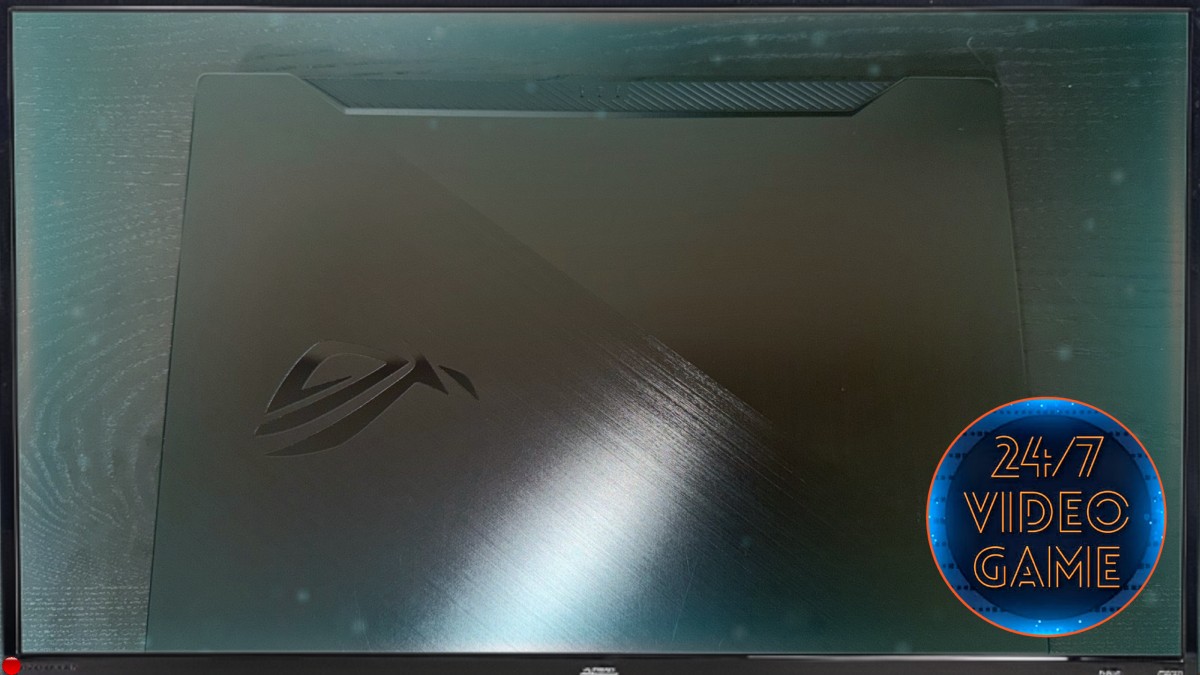
The ASUS ROG Ryzen 7 Still Has Game
There’s something appealing about a gaming laptop built around a clear, practical combination: a 15.6-inch display, an AMD Ryzen 7 3750H, 16GB of memory, a 512GB SSD, and NVIDIA GeForce GTX 1660 Ti graphics. The ASUS ROG name signals a machine designed with gaming in mind, while the Ryzen 7 3750H and GTX 1660 Ti give this configuration a distinct place in the gaming-laptop generation that brought capable discrete graphics to more portable systems. For context on the hardware families, see https://www.amd.com/en/products/processors/laptop/ryzen.html“>AMD’s Ryzen processors and https://www.nvidia.com/en-us/geforce/graphics-cards/“>NVIDIA’s GeForce lineup.
A Balanced Setup for the Everyday Backlog
The 16GB of RAM and 512GB SSD make for a sensible foundation: memory for multitasking and a solid-state drive for quick starts and shorter waits when loading games or applications. The 16GB memory helps keep everyday use feeling fluid, while the 512GB SSD offers room for a rotating selection of games, creative tools, and media. A 15.6-inch screen also strikes a familiar balance between desktop-like visibility and a form factor that can travel. Buyers comparing storage and memory options can explore https://www.pcmag.com/categories/laptops“>PCMag’s laptop coverage and https://www.tomshardware.com/“>Tom’s Hardware.
What the GTX 1660 Ti Brings to the Table
The GTX 1660 Ti is the defining gaming component here, built for players who want dedicated graphics rather than relying on integrated hardware. It belongs to an earlier generation than today’s newest laptop GPUs, so expectations should be grounded in the specific games, settings, and condition of the machine—not just the ROG branding. Still, the pairing of dedicated GeForce graphics with a Ryzen 7 processor gives the laptop a recognizable gaming identity, and its 15.6-inch format keeps the experience suited to a desk, a dorm room, or a gaming session away from home. NVIDIA’s https://www.nvidia.com/en-us/geforce/“>GeForce information and https://rog.asus.com/“>ASUS ROG’s official site offer useful background on the brands behind the system.
A Used Laptop Calls for a Closer Look
Because this configuration is an older, used gaming laptop, the details beyond the headline specifications matter. Before buying, check the battery’s condition, confirm that the display and keyboard work properly, and ask whether the cooling system has been cleaned and tested under load. It is also worth verifying the exact model and inspecting the laptop for wear, since condition can shape the experience as much as the spec sheet. A careful comparison with current expectations on https://www.notebookcheck.net/“>Notebookcheck and the broader guides at https://www.pcworld.com/category/laptops/“>PCWorld can help buyers decide whether this ASUS ROG configuration, with its 16GB of RAM and GTX 1660 Ti, fits their games and budget.