A Familiar Upgrade With Room to Breathe
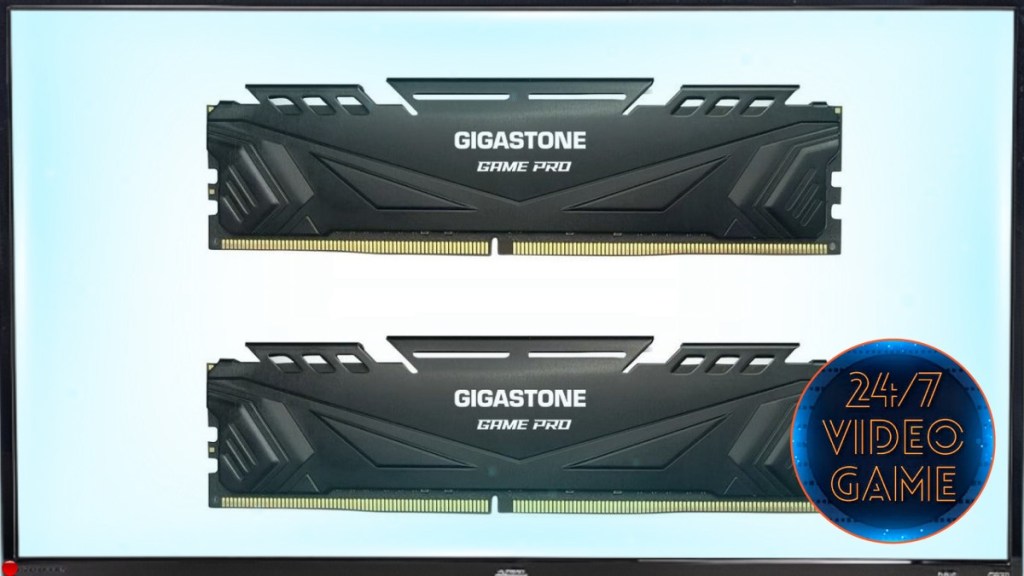
Memory rarely gets the spotlight reserved for graphics cards or processors, but it can make a gaming PC feel far less cramped. The Gigastone GST Game Pro kit pairs two 16GB modules for 32GB of DDR4, a capacity that gives modern games, background apps, and everyday multitasking more room to coexist. For a plain-language look at what system memory does, Crucial’s memory guide explains the fundamentals, while Wikipedia’s RAM overview traces the technology’s wider role in computing.
Two Sticks, One Sensible Configuration
The kit’s 2 x 16GB layout is designed for a common desktop setup: two matched modules installed in the motherboard’s recommended slots to enable dual-channel operation when supported. That can provide more memory bandwidth than a single stick, though the result depends on the rest of the system and correct installation. Before buying, shoppers should check their motherboard’s memory specifications and slot guidance, with Intel’s PC-building guide offering a useful compatibility checklist and AMD’s Ryzen processor pages providing platform details for supported systems.
DDR4-3200 Keeps the Brief Clear
Rated at DDR4-3200 (also listed as PC4-25600), the kit targets a widely recognized memory speed for DDR4 desktop builds. Its CL16 latency rating adds another useful specification for comparing memory, but speed and timings alone do not guarantee a dramatic frame-rate jump; the processor, graphics card, game, and existing configuration all shape performance. Readers can explore the basics of memory timing through Kingston’s RAM explainer and consult Tom’s Hardware’s memory buying guide for a broader look at choosing a kit.
A Straightforward Fit for a DDR4 Build
For a system that already supports DDR4, the Gigastone kit’s appeal is easy to understand: 32GB capacity, a matched pair of modules, and a clearly stated 3200 MT/s class specification. The key is to verify the motherboard’s supported memory type and maximum capacity, then confirm whether any performance profile needs to be enabled in firmware. A careful compatibility check is more useful than assuming every desktop accepts every DIMM, and PCMag’s RAM upgrade guide walks through the practical process while Kingston’s memory search tool illustrates how system-specific matching can work.